
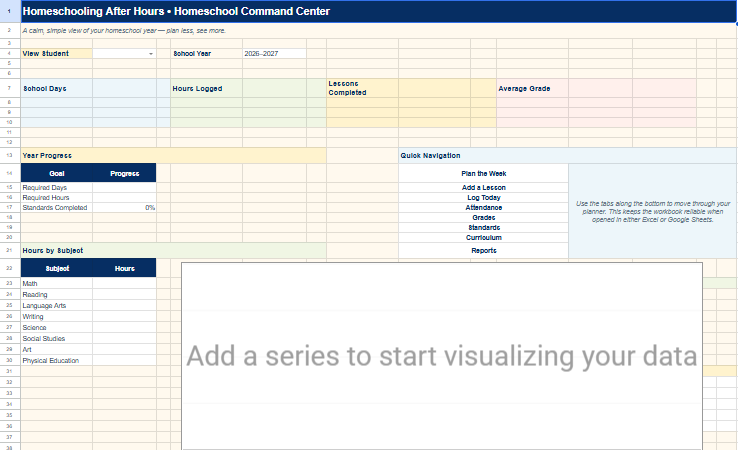
Between working, raising four kids, and fitting lessons around the rest of family life, I need a homeschool organization system that works even when our days don’t follow a traditional school schedule. That’s why I use Google Sheets to keep our plans and records together. I can check what we’ve done, see what comes next, and update our records without hunting through multiple notebooks.
I’m a homeschooling mom, a registered nurse, and a former middle school science teacher. I love a good plan, but I also know that real life changes the plan. Our homeschool system has to make room for both.
Why I Chose Google Sheets for Homeschool Organization
A paper planner can be wonderful for brainstorming, but I wanted a place where I could organize information for multiple children and find it again later. A spreadsheet lets me separate different kinds of information into tabs while keeping everything in one file. I can make updates as we go instead of rewriting a whole page when the schedule changes.
The goal isn’t to record every minute perfectly. It’s to make our homeschool easier to manage, especially when learning happens in the evenings, on weekends, or in little pockets of time.
1. I Keep Our Homeschool Information in One Place
Instead of having a different notebook for every subject and child, I keep our main planning and recordkeeping views together. Setup information, lessons, learning time, grades, and progress each have a purpose, but they’re easier to use when they live in one organized system.
I still use physical folders and supplies for worksheets, books, and art projects. Google Sheets handles the information I need to review or update regularly. Digital records and hands-on learning work well together.
2. I Plan Lessons Around the Time We Actually Have
Our homeschool schedule doesn’t have to look the same every day. Some days we have longer stretches for focused lessons. Other days, we fit in reading, math, or an activity when it makes sense for the family. Having a lesson-planning view helps me see the next step without treating the plan as a rigid timetable.
I like being able to look ahead at a week and then focus on what matters today. If a lesson needs to move, the plan can move with us. That flexibility is a big part of why I started Homeschooling After Hours.
3. I Track Homeschool Days and Learning Hours
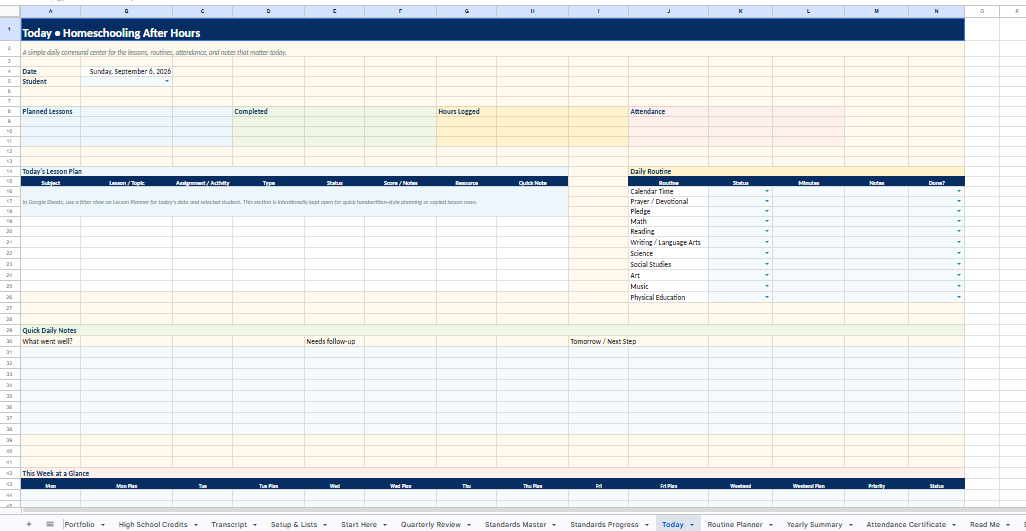
Learning doesn’t stop when a worksheet is finished. Field trips, baking, audiobooks, nature walks, hands-on projects, and everyday conversations can all be part of our homeschool day. A log helps me capture what happened while it’s still fresh.
When I record an activity, I can add the date, what we worked on, and relevant notes. If I’m tracking time, I can keep minutes and hours in one place rather than adding them up from scraps of paper later. The records we need depend on our homeschool requirements, so I use the system as an organizational tool and check the rules that apply to our family.
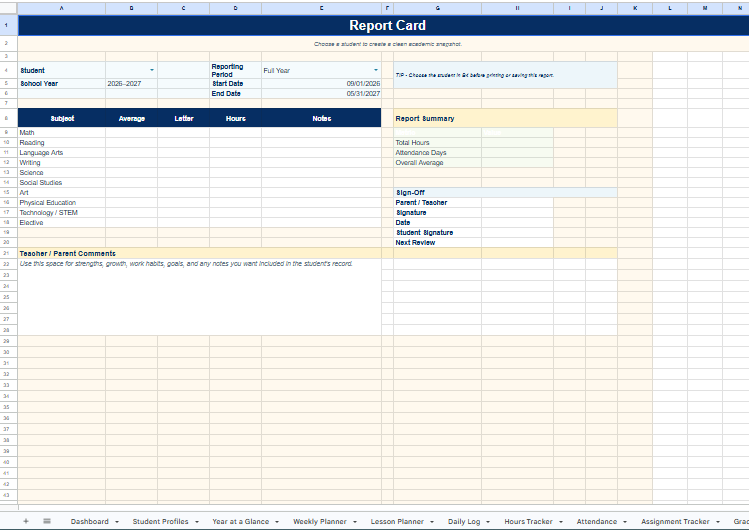
4. I Keep Grades and Progress Easy to Review
For work that I grade, I want to see more than a stack of marked papers. A gradebook gives me a clearer view of scores over time. I can also check learning standards and make notes about skills we’ve practiced or still need to revisit.
Not every meaningful learning activity needs a grade. The point of tracking progress is to notice patterns, celebrate growth, and decide what to teach next—not to turn every homeschool moment into a test.
5. I Use a Dashboard to See the Bigger Picture
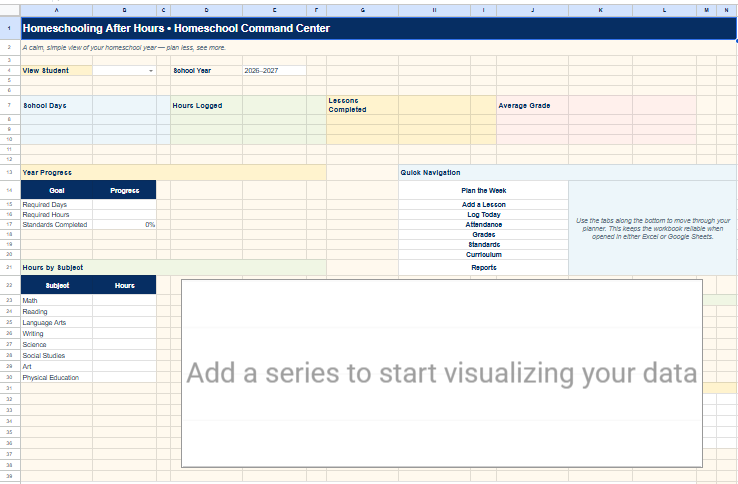
The most helpful part of a connected spreadsheet is being able to review information without opening every individual tab. A dashboard brings key homeschool information into one place, so I can check how things are going and decide what needs attention.
When our week gets busy, that overview helps me return to the essentials instead of feeling like I have to rebuild our whole plan.
My Simple Routine for Keeping the Spreadsheet Useful
A homeschool tracker only helps if it’s easy enough to keep using. I try to make small updates close to when learning happens. I note what we completed, add time or grades when appropriate, and adjust upcoming lessons when plans change. Then I review the bigger picture periodically rather than trying to perfect every entry.
If you’re new to homeschool spreadsheets, start with just the parts you need. You can begin with a lesson plan and a daily log, then add grades or progress tracking later. The best system is one that supports your homeschool—not one that gives you another job.
Want a Ready-Made Homeschool Google Sheets System?
I created the Homeschool Command Center for families who want the benefits of an organized spreadsheet without building every tab from scratch. It brings lesson planning, daily views, homeschool hours and attendance, grades, and progress into one customizable system for multiple children.
You can see actual screenshots and a walkthrough video on the product page, along with details about the digital download and setup guide.
Plan it. Teach it. Track it. Done.
Explore the Homeschool Command Center →
A Flexible Homeschool Still Deserves an Organized System
Google Sheets helps me spend less energy looking for information and more energy teaching my kids. It doesn’t make every day predictable, and I wouldn’t want it to. It gives our family a place to pick up where we left off, even when homeschooling happens after hours.